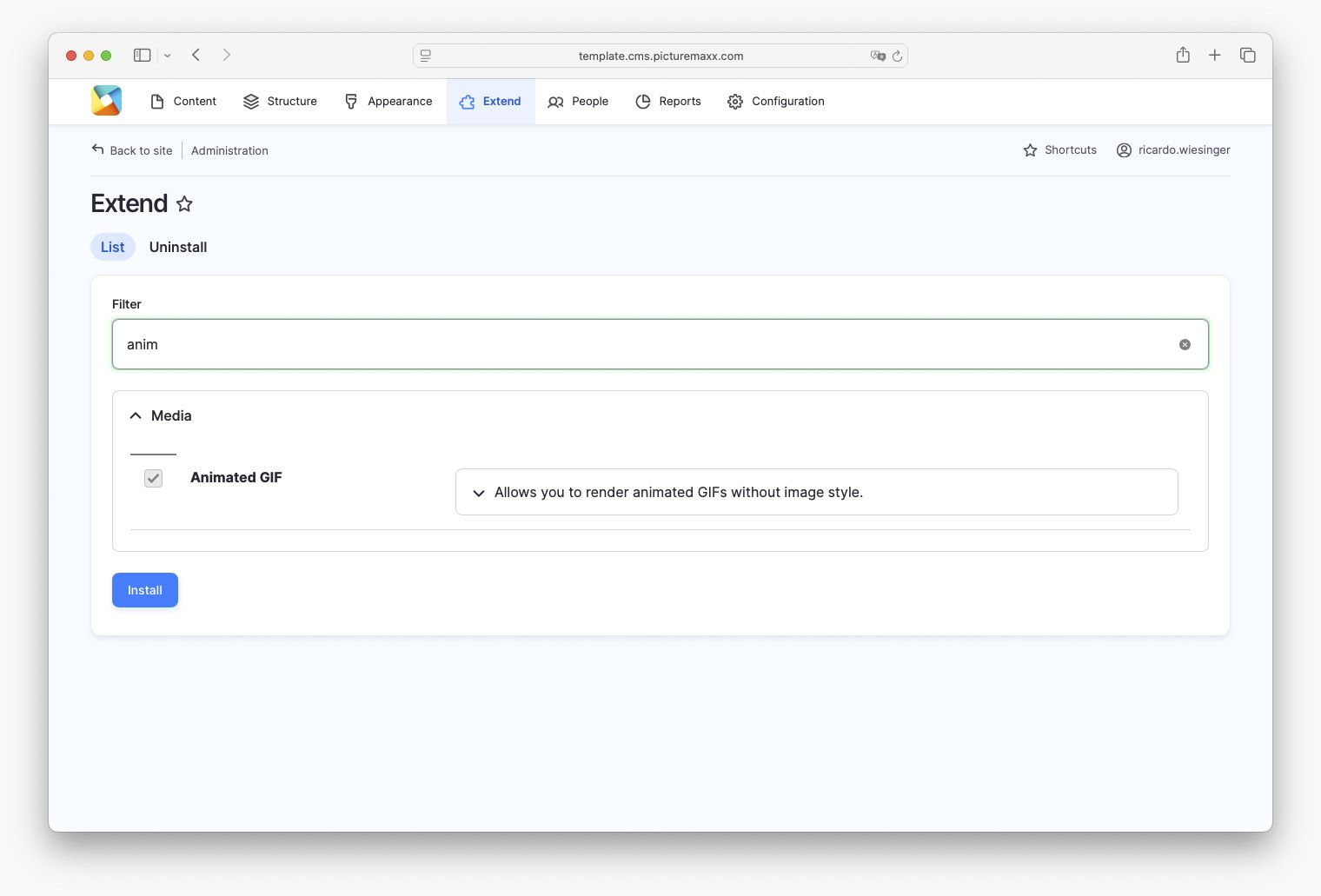
Activate GIF Module (internal use only)
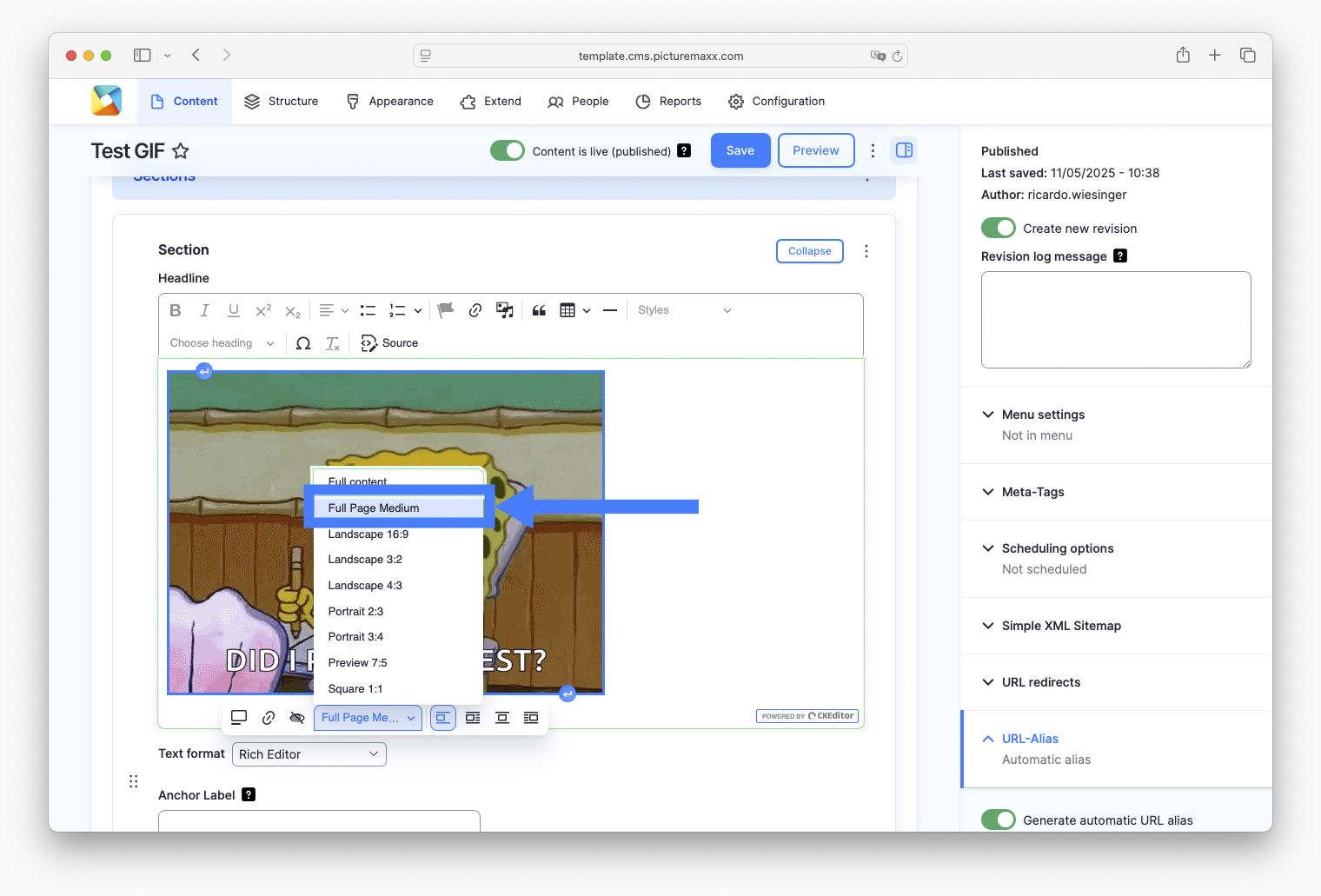
Unfortunately GIFs can only be displayed and animated in the exact form in which they were uploaded. Image styles in Drupal cannot be applied. However, we must always select the following image style to ensure the GIFs can play: Full Page Medium. NOTE: The Content Teaser is an excepeption, here you have to choose: None. See Display settings for more.
Important: You can only install modules/extensions when you are logged in with admin rights. From the perspective of a client the 'Extend' menu item does not exist.