More design flexibility with page accent colors and a new link style
2 minutes
The latest release introduces two new features that offer greater flexibility when designing and highlighting content.
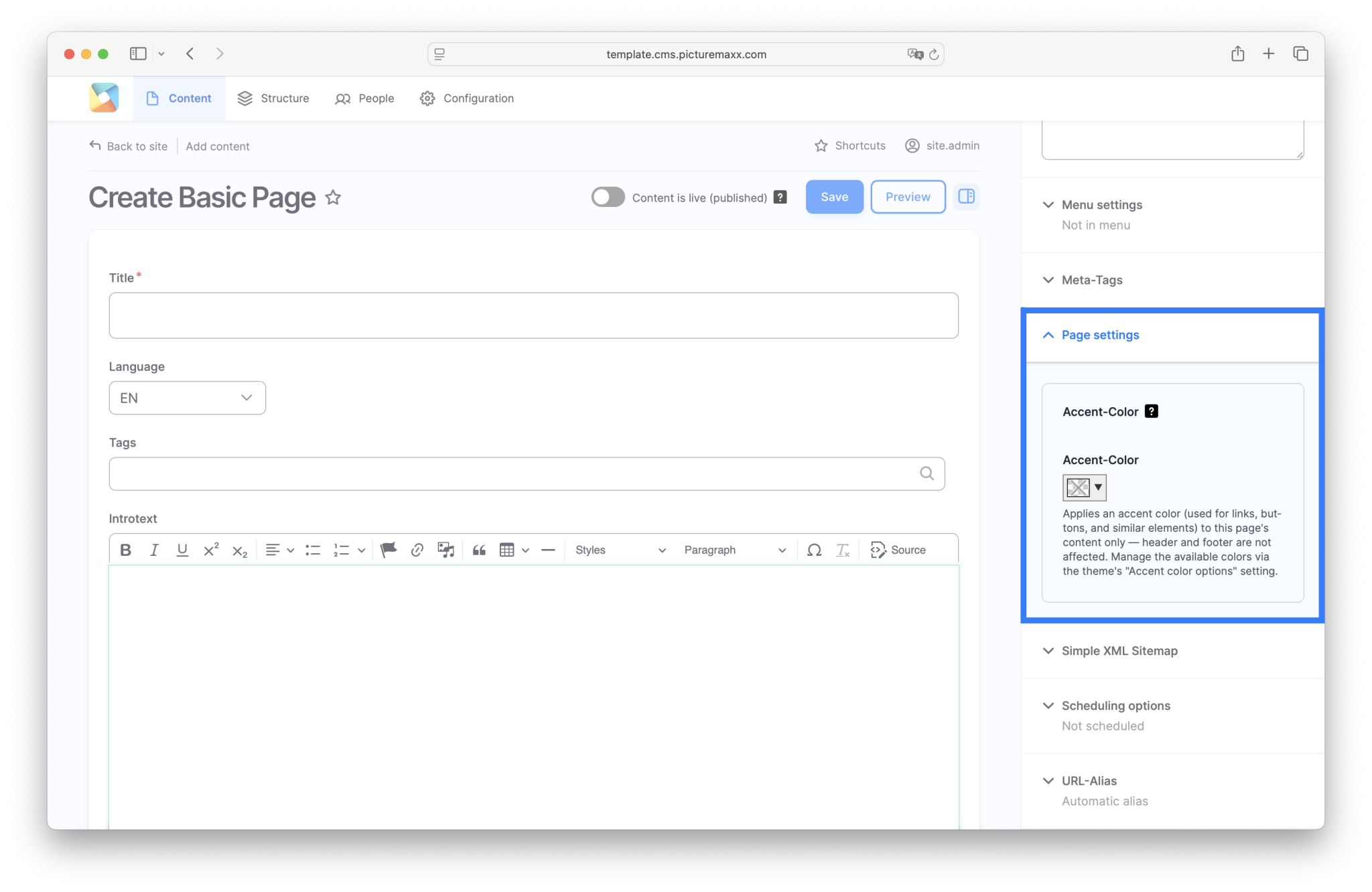
Custom Accent Colors for Individual Pages
You can now assign a custom accent color to individual pages. The selected color is applied only to the page where it is configured and affects elements such as links, buttons, and call-to-action components. Global website elements, including the header, navigation, and footer, continue to use the active theme’s default color scheme.
This feature is especially useful for campaigns, topic-specific content, or landing pages that require a distinct visual identity without affecting the overall website design.
Learn more in the Howto documentation: Change Look & Feel
New Link Style: Outline Button
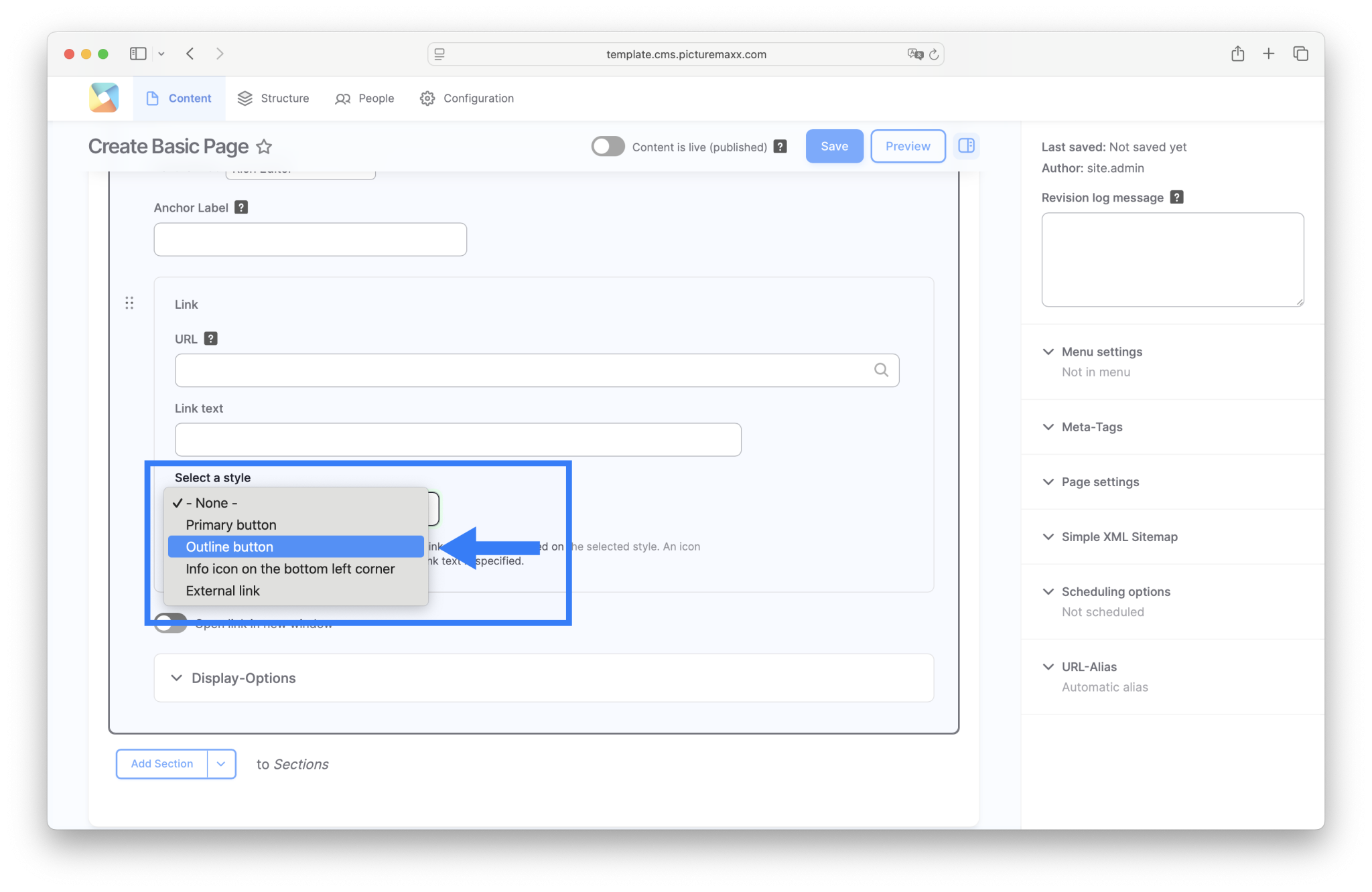
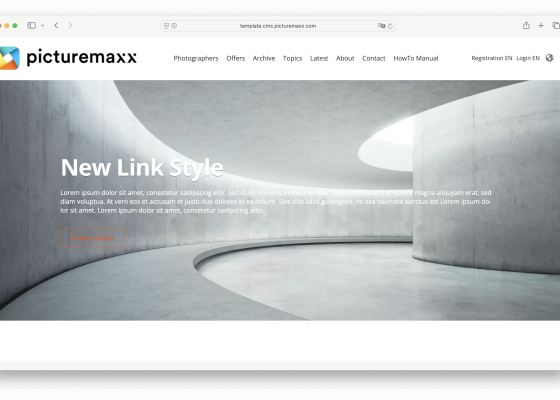
A new link display option, the Outline Button, is now available.
Unlike the existing Primary Button, the Outline Button uses a border and transparent background. This makes it an excellent choice for secondary actions or supporting links while keeping the Primary Button as the main visual focus.
The new style helps create a clearer visual hierarchy for the paragraph types Section and Slide.
Learn more in the Howto documentation.